Discover
Help players understand where they can play and what is available.
Platform
DynaPlay connects discovery, booking, payment commitment, group coordination, and operator workflows so venues can help more people find a place to play.
The platform is organised around the moments that decide whether someone gets from interest to a real session.
Help players understand where they can play and what is available.
Support groups, teams, and casual players coordinating a session.
Use availability and payment flows to turn intent into booked time.
Keep resources, bookings, and conversations visible for venue staff.
Discover
Give players the venue context they need before they commit: where to play, which sports are supported, what resources exist, and how to begin.
DynaPlay mobile venue discovery map showing synthetic Riverside Sports Centre markers and venue detail.
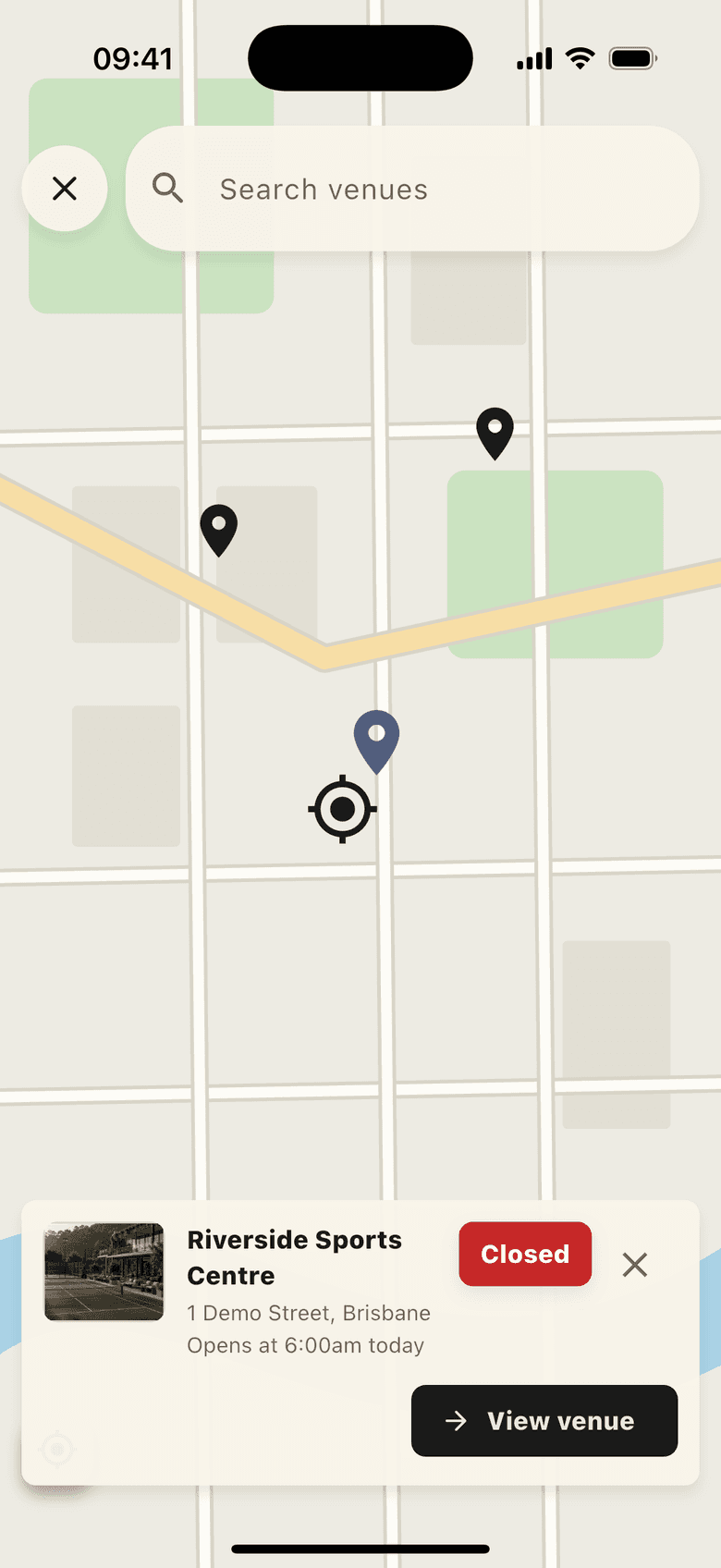
Player discovery
Mobile discovery, booking updates, and venue details.
DynaPlay mobile venue profile for a synthetic Riverside Sports Centre with highlights, actions, and facilities.
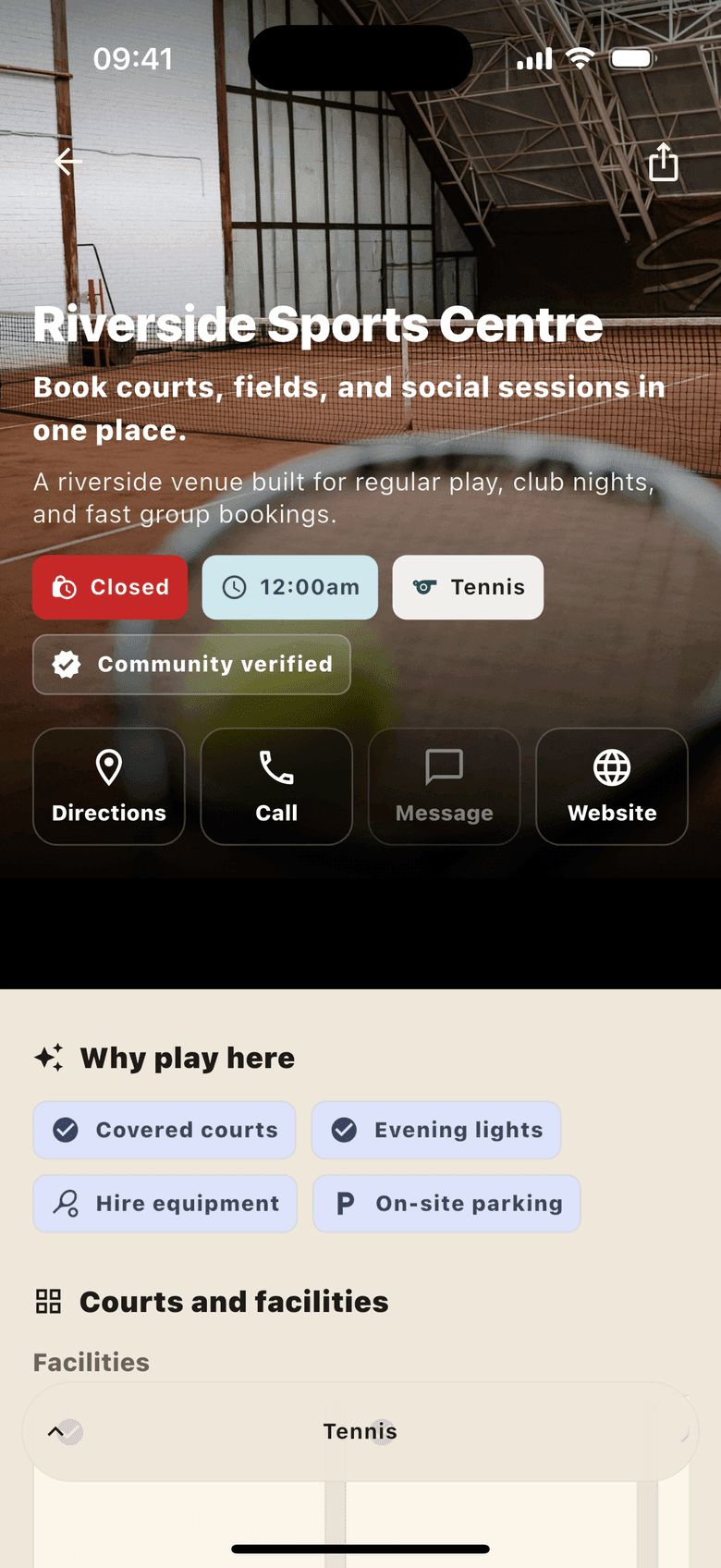
Venue profile
Sports, resources, access details, hours, and photos.
Your venue appears in the DynaPlay app so players can discover places to play, review details, and follow booking updates from their phone.
Present supported sports, resources, access details, opening context, and photos in a player-facing venue profile.
Commit
Availability, payment commitment, and group coordination work together so casual intent can become real court, field, or facility time.
DynaPlay mobile availability page showing synthetic courts, fields, prices, and open booking slots.
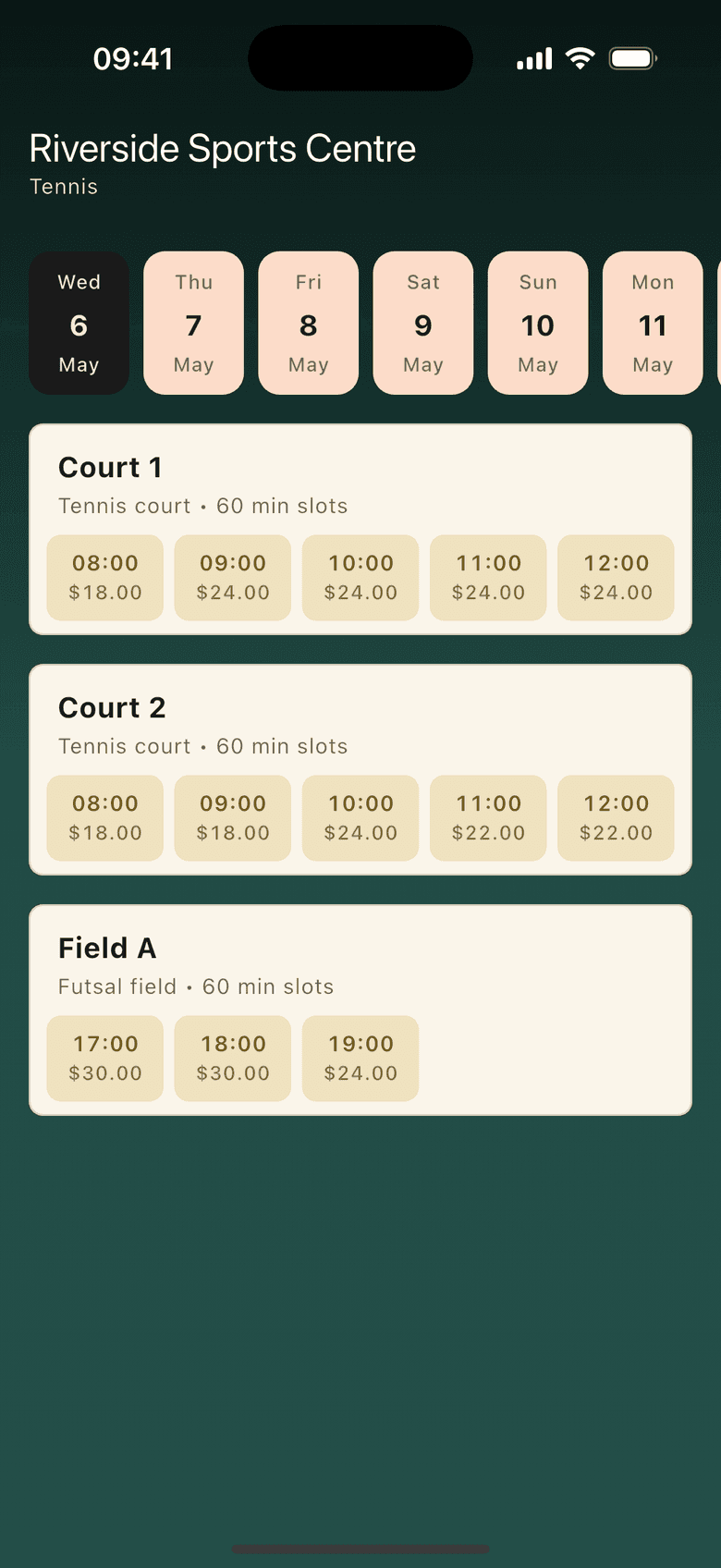
Availability view
Resource access, slot status, and confirmed bookings.
DynaPlay mobile booking confirmation showing a synthetic paid court booking and payment total.
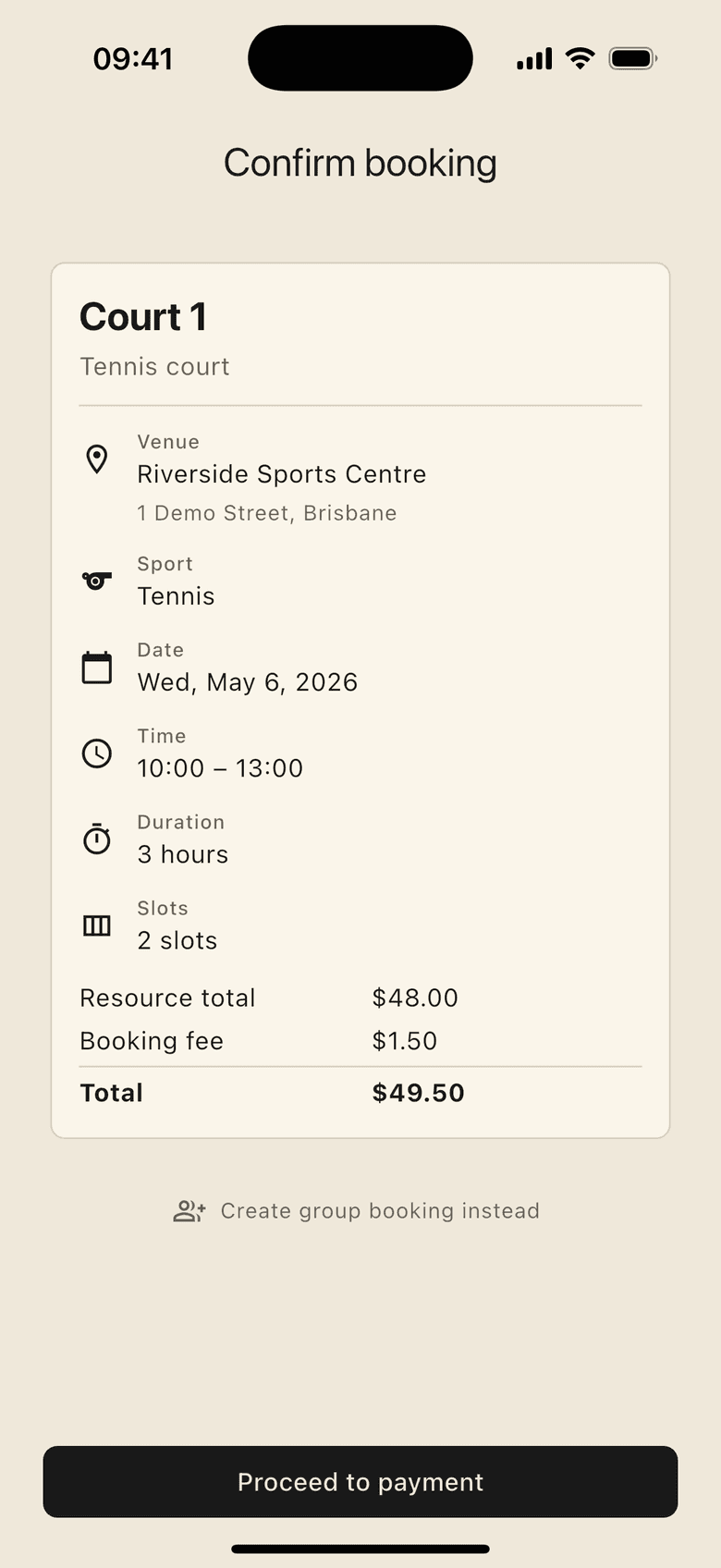
Payment commitment
Booking payments, shared contributions, and refund context.
DynaPlay mobile group lobby showing synthetic open and confirming group bookings for Riverside Sports Centre.
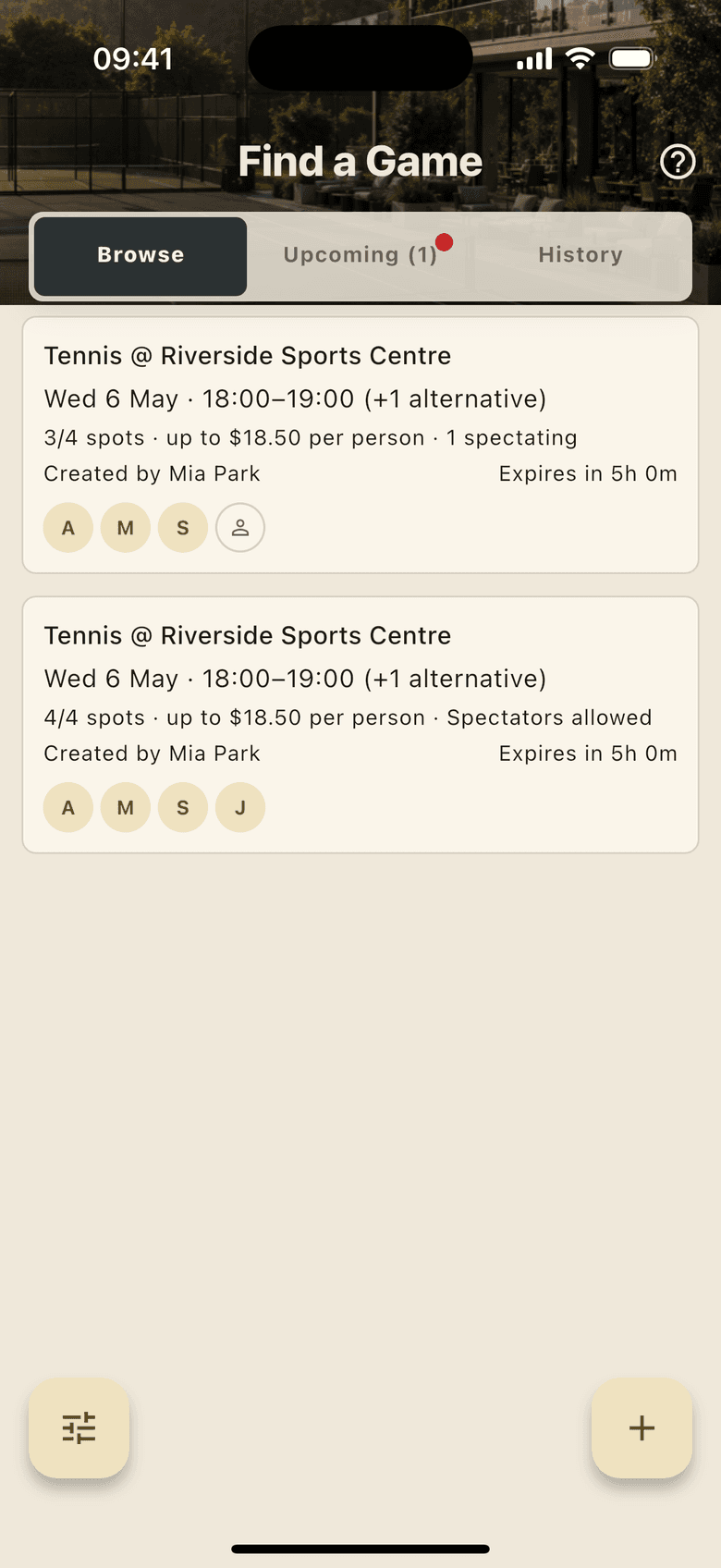
Group session lobby
Participants, shared commitment, and coordination in one flow.
Resource availability, slot durations, opening rules, and conflict protection create a clear booking path for players.
Stripe-backed payment flows help players commit to bookings and shared sessions with less organiser administration.
Lobby-based sessions help players join, coordinate, calculate shares, and keep casual sport moving.
Operate
Venue staff need enough control to manage resources and customer conversations without turning adoption into another disconnected workflow.
DynaPlay operator bookings board showing synthetic Riverside Sports Centre court and field bookings for a single day.
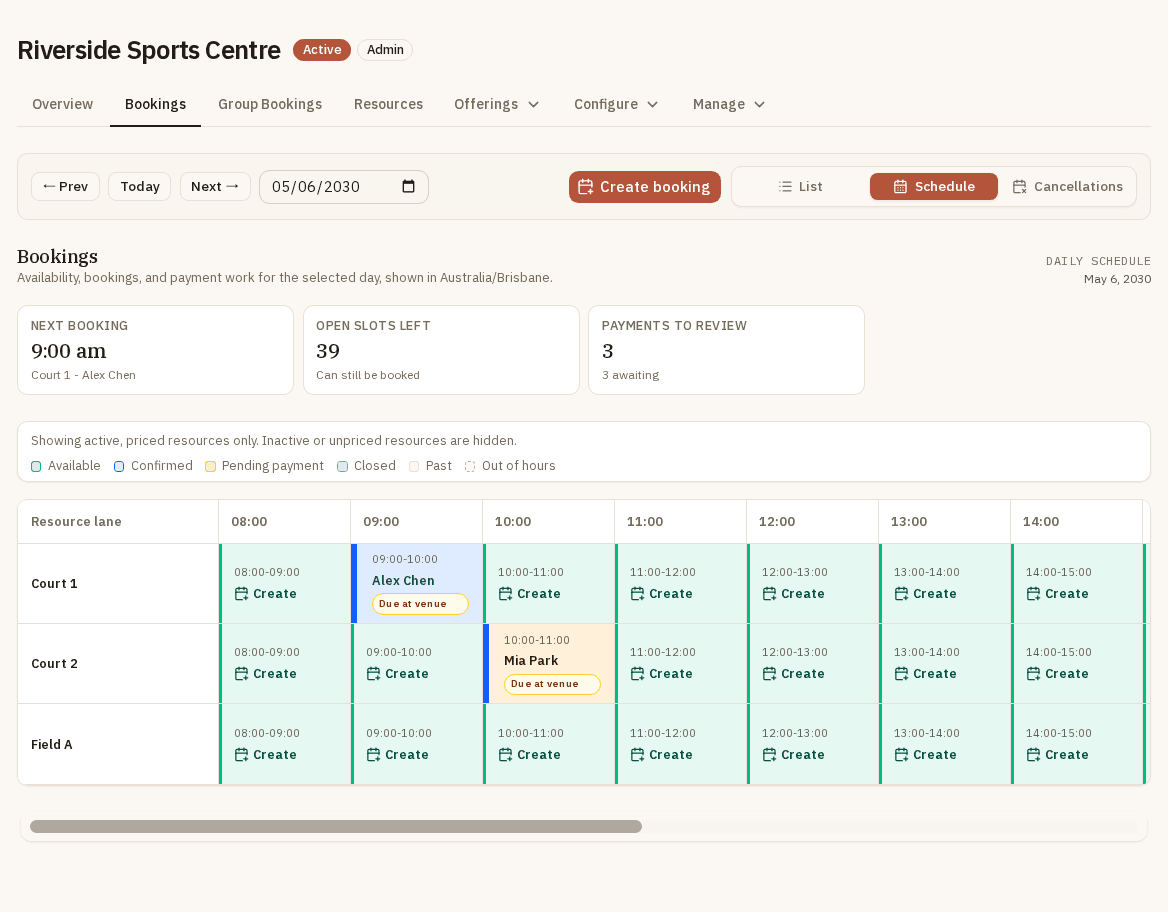
Bookings board
Daily schedule, resource lanes, bookings, and open slots.
DynaPlay operator resource availability screen showing synthetic Court 1 hours and pricing for Riverside Sports Centre.
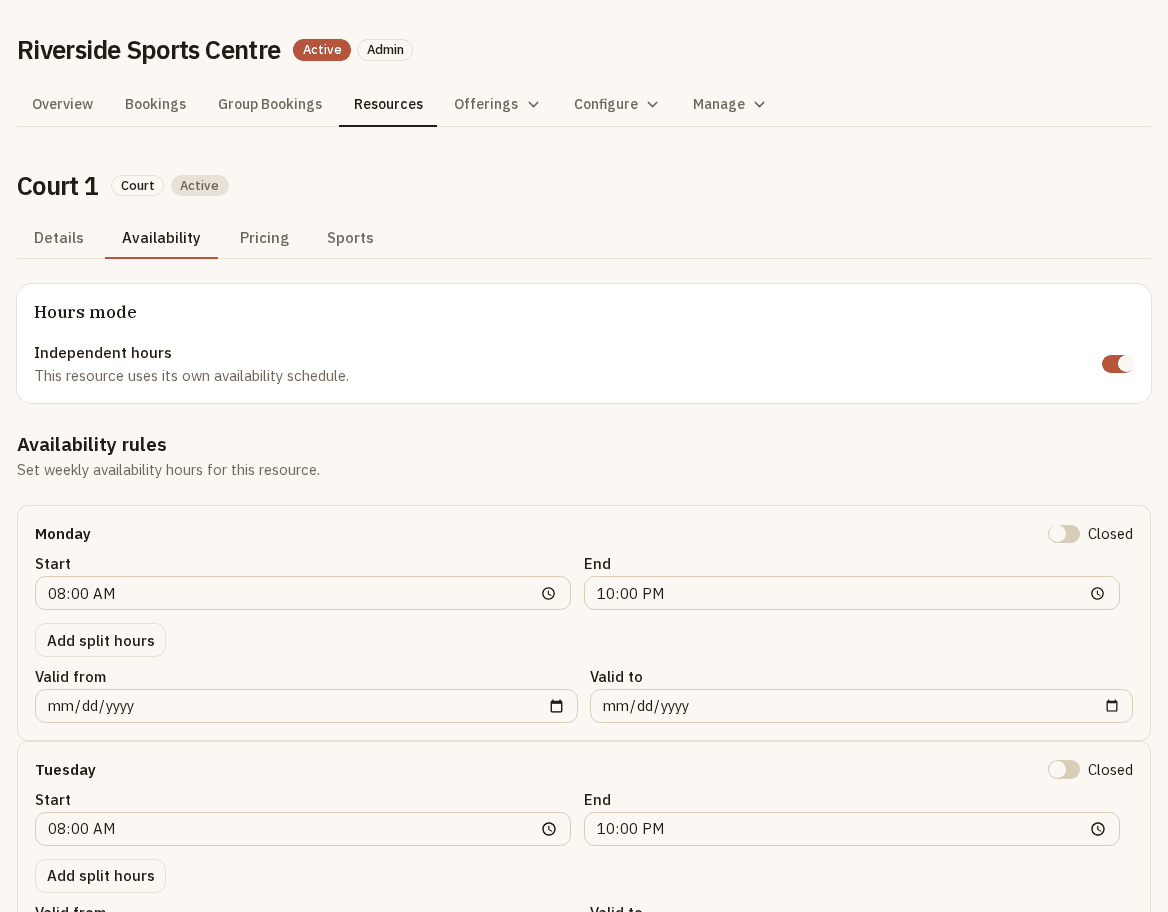
Resource availability
Resource hours, independent rules, and availability setup.
DynaPlay operator customer messaging thread with synthetic booking-change messages for Riverside Sports Centre.
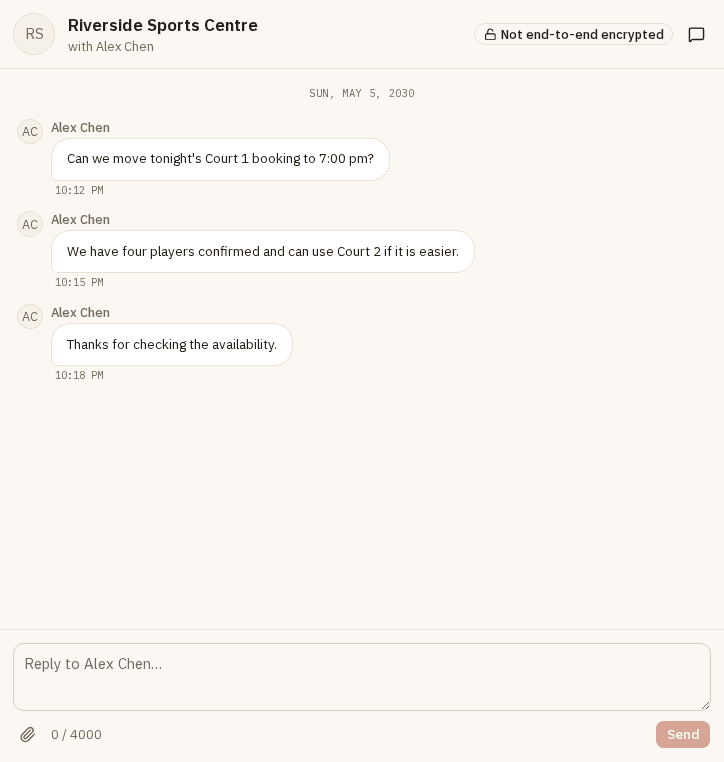
Customer messages
Venue-customer follow-up around booking changes.
A browser-based workspace for day-by-day bookings, resources, venue details, payments, and customer follow-up.
Configure resources, sports, operating exceptions, access context, and venue details so players know what can be booked.
Adoption path
If your venue already has a booking or venue-management platform, the first step is a practical fit conversation. We map the current workflow, identify where DynaPlay can support discovery, access, and participation, then agree what should stay connected.
Share how bookings, resources, payments, and customer follow-up work today.
Identify where discovery, group coordination, or payment commitment would help players get to a confirmed session.
Decide whether DynaPlay should complement existing systems, replace selected manual steps, or stay focused on a narrower participation workflow.
Map current tools before deciding the best adoption path.
Current system
Bookings
DynaPlay
Discovery, access, and participation
Players
Find, organise, and play
Share your current workflow and participation goals so we can discuss where DynaPlay fits.